A code for every booking
Each booking gets its own PIN, valid from the start to the end of the slot. It goes out by SMS right after booking.
Booking and door access for private gyms
Customers book a slot, pay online and get a door code by SMS that only works during their booking. Nobody has to be on site.
€990 one-off setup, then €19 a month
How it works
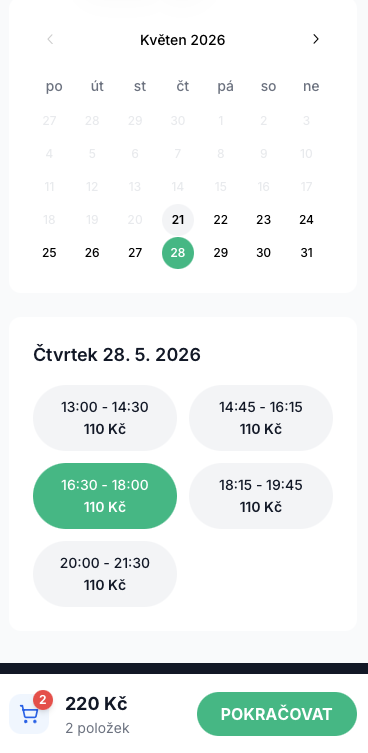
Your customers
They pick a free time on your booking page. The whole gym is theirs for that slot.
Through Stripe: cards, Apple Pay and Google Pay.
A PIN arrives by SMS right after booking. It opens the door only from the start to the end of their slot.
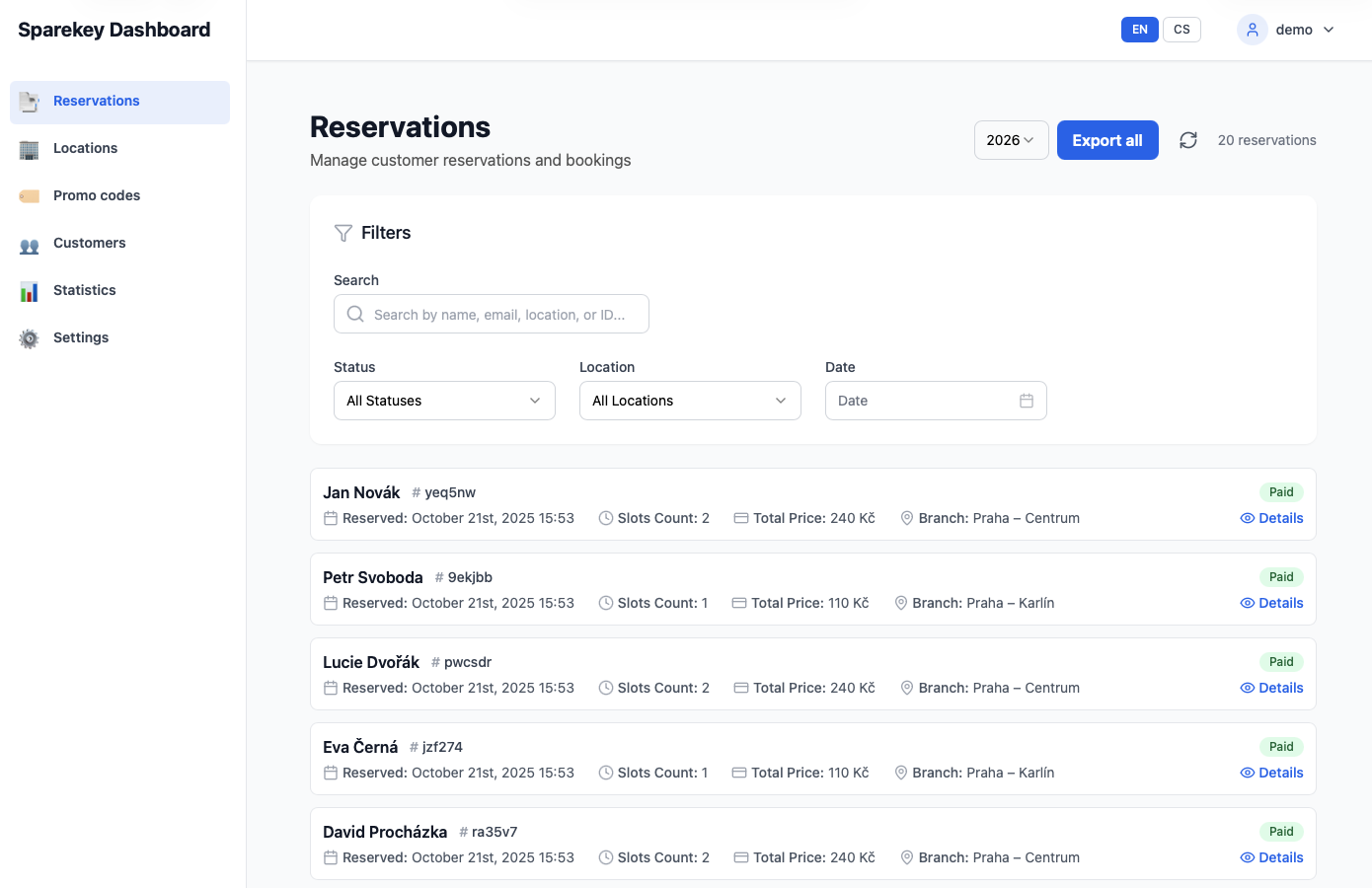
You
Opening hours, slot length, prices by day and time, and discount codes.
Payments go straight to your own account. No cash, no reception, no texting codes late at night.
See every booking, occupancy and revenue for each location, and block time for cleaning when you need it.
What you get
Each booking gets its own PIN, valid from the start to the end of the slot. It goes out by SMS right after booking.
If the internet is down and a new code can't reach the lock, the customer gets a stored backup code instead. Works with any lock.
Customers pay with cards, Apple Pay or Google Pay. The money goes straight to your account.
Charge more at peak times and less off-peak, set prices for specific dates and hand out discount codes.
Add new locations yourself, at no extra cost. Each one has its own opening hours, prices and doors.
Revenue, occupancy and busy hours for each location, with a CSV export for your accountant.
Door access
Both work with time-limited codes.
A keypad outside and a magnetic lock on the door, fitted by a professional door or access installer. Built for doors that open many times a day with nobody around.
A smart lock with a keypad that fits on your existing door. Simpler and cheaper to start with.
Other locks with time-limited PIN codes: ask us.
Compare door access optionsPricing
A one-off setup, then a fixed monthly fee. Both paid by bank transfer.
Included in the setup
Door hardware, its installation and Stripe fees are paid separately.
SMS are billed per message. Full pricing
References
Among them Chrám pohybu and Fithub. Customers book, pay and let themselves in without anyone on site.


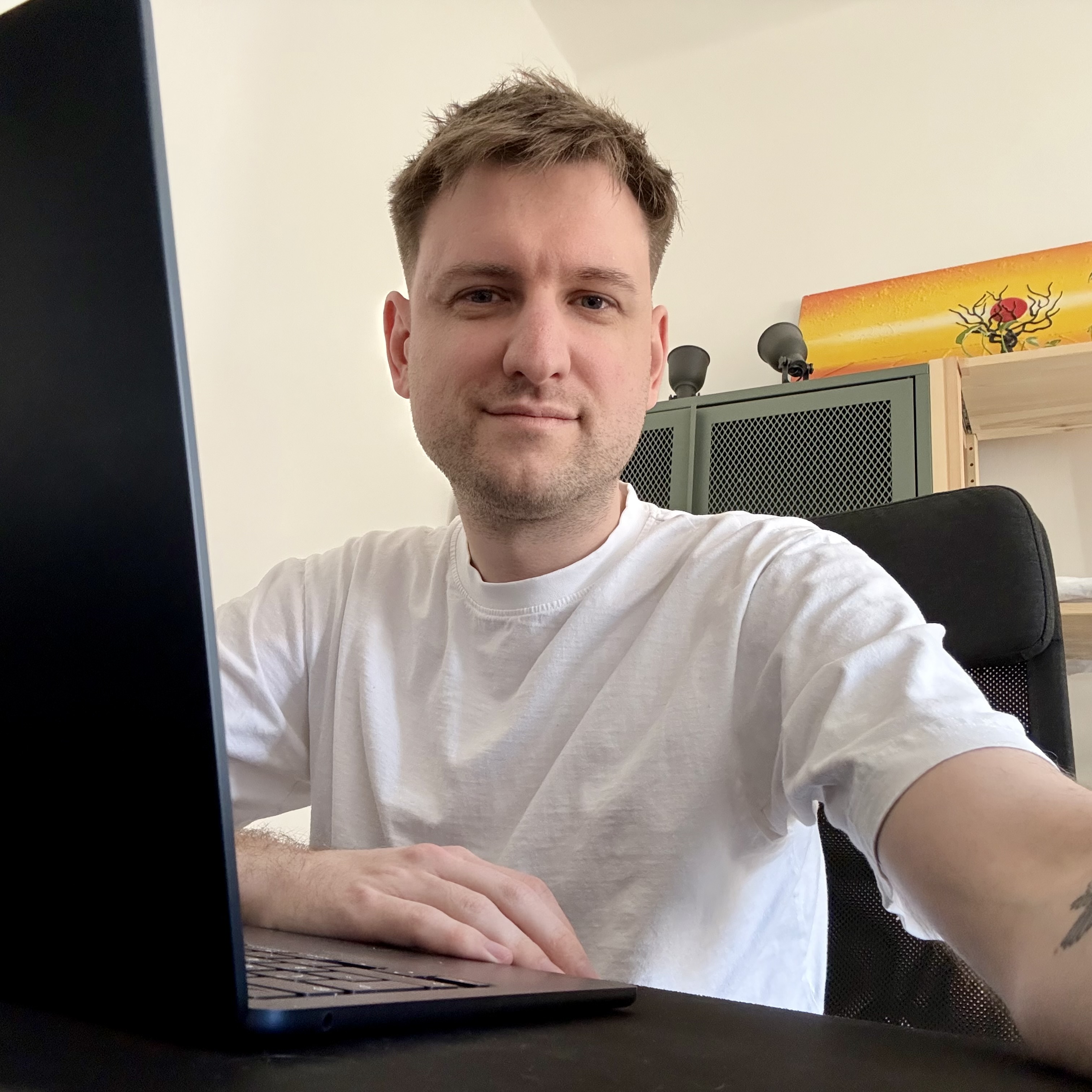
I build and run Sparekey, with almost 20 years in product development behind me. You deal with me directly, from the first call to launch and after.
Setup
We go through your space, your doors and your building, and agree what to set up.
Your booking page, prices and Stripe payments.
An installer fits the 2N keypad and maglock, or you mount a Nuki. We connect it and test the codes.
A few test bookings with real payments, then you open.
FAQ
No. Customers book and pay online, get their code by SMS and let themselves in. You manage bookings, prices and blocked times from the admin.
If a new code can't be stored in the lock, the customer gets a stored backup code instead, so they can still get in. This works with any lock.
We recommend a 2N keypad with a maglock, fitted by a professional installer. Nuki is a simpler, cheaper alternative, but customers can tamper with it more easily. Several doors or a shared building entrance are solved during setup at no extra cost. See door access options.
You do. Payments go to your own account through Stripe, which we set up for you.
Plan about a month from the first call. Two things set the pace: your payment provider's approval and, for 2N, your installer's diary. Prices and test bookings fit inside that month.
Yes. You add new locations yourself in the admin, at no extra cost. Each one has its own opening hours, prices and doors.
Demo and consultation
Write by e-mail or WhatsApp with your town, your space and your door. We set a time for a free call and go through hours, slots, doors and payments.